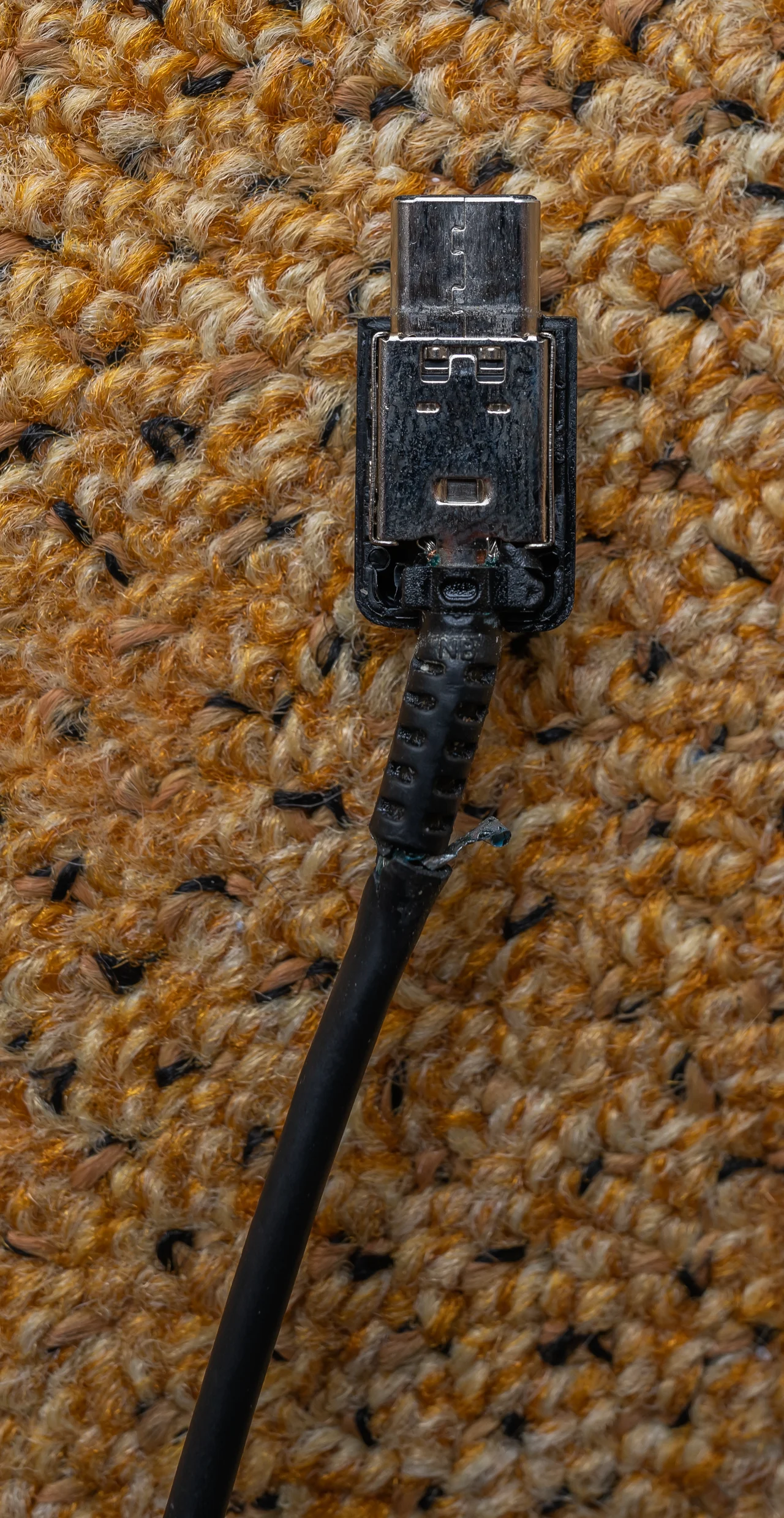
A USB-C connection can be physically neat while leaving the display question unresolved. The same connector shape does not tell you which features an actual device and cable support. Before buying a dock, adapter or monitor, trace the documented video path from the exact source port to the display input. Charging or data transfer alone is not proof that the intended picture path has been established.
| Part of the path | Document the actual item | Question to resolve |
|---|---|---|
| Source | Device model and chosen port | Does this port provide the required video output? |
| Connection | Exact cable/adapter/dock | Does it support the intended path and conditions? |
| Display | Model and selected input | Does the documented combination support the desired mode? |
Separate the connector from the supported interface
VESA’s DisplayPort FAQ describes DisplayPort Alt Mode over USB Type-C and explains that data, video and power features can be combined or supported individually. It says compatible connectors normally carry a DisplayPort logo and points to vendor information for supported product features. Normally is not a promise that a visual inspection alone resolves every device.
Begin with the exact computer/tablet/phone model and the specific port you intend to use. Read the maker’s documentation for video-output support and its stated conditions. A general product-family description or a cable’s charging claim should not silently supply a missing video specification.
Every part of the proposed path needs an identity
An original connection brief can name the source device/port, proposed cable or adapter, any dock and the display’s actual input. Add the desired resolution/refresh rate as a requirement to verify, not a performance result you have already obtained. Record the relevant manufacturer statements and unresolved links.
The DisplayPort FAQ discusses adapter paths to several display inputs, but that does not establish that an unspecified accessory or your complete combination supports every advertised mode. Check the actual products’ compatibility, direction and conditions before purchasing. Do not substitute the standard’s highest theoretical examples for a device-level promise.
Buy a documented path, not a hopeful collection of ends
Before ordering, ask the maker or seller to resolve any missing capability in the exact combination. Keep its actual answer, product identifiers and return terms with the brief. If an adapter listing says only USB-C without explaining the video path needed by your source and screen, obtain clarification rather than assuming the familiar ends settle it.
No monitor, cable or dock was tested here, and no live price or performance comparison is offered. The practical benefit is avoiding an accessory purchase whose role is still undefined. A clear proposed path also makes later support questions more specific than saying that the cable fits but there is no picture.
Sources & further reading
Published sources for the details and examples discussed in this story.